
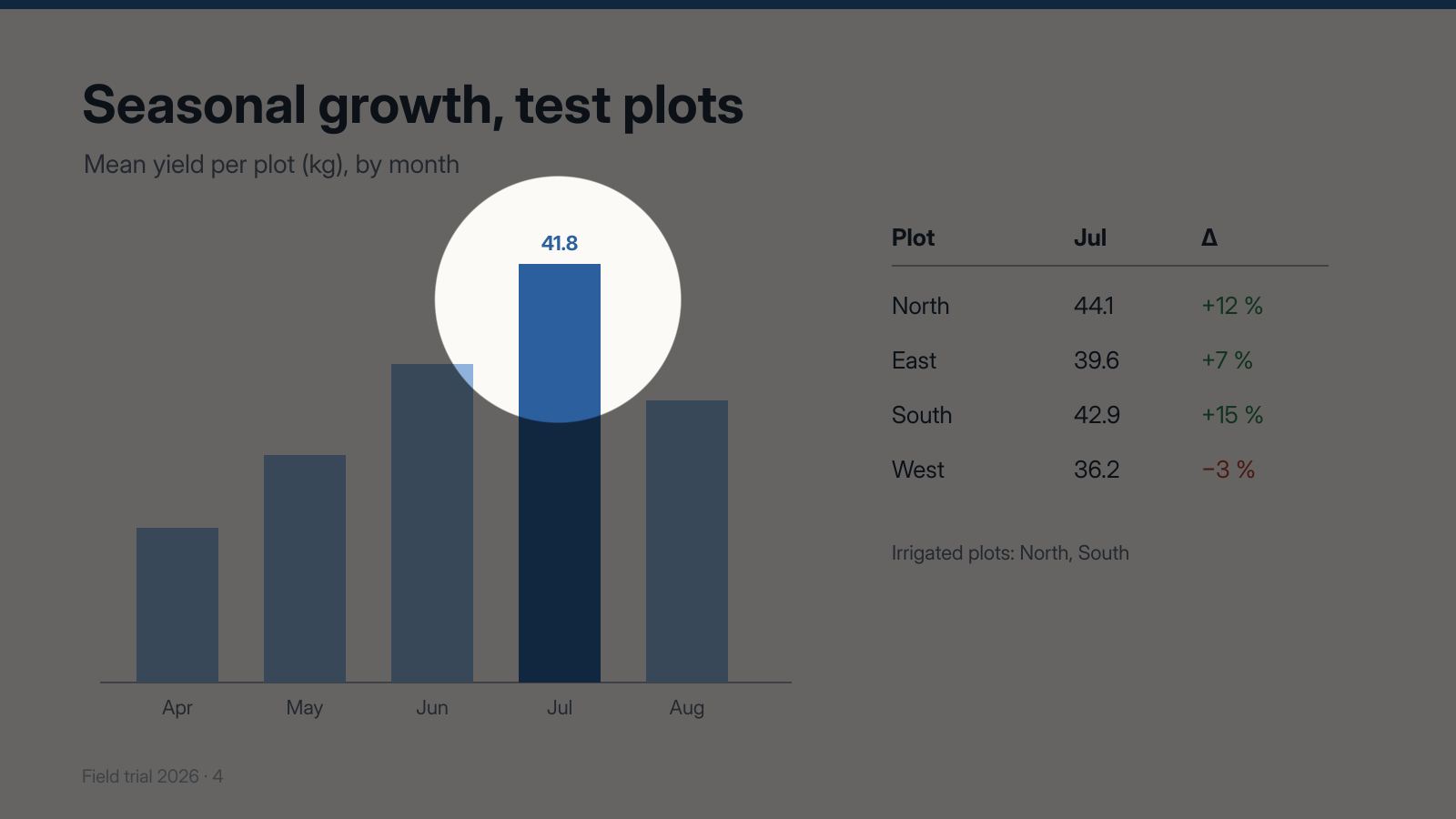
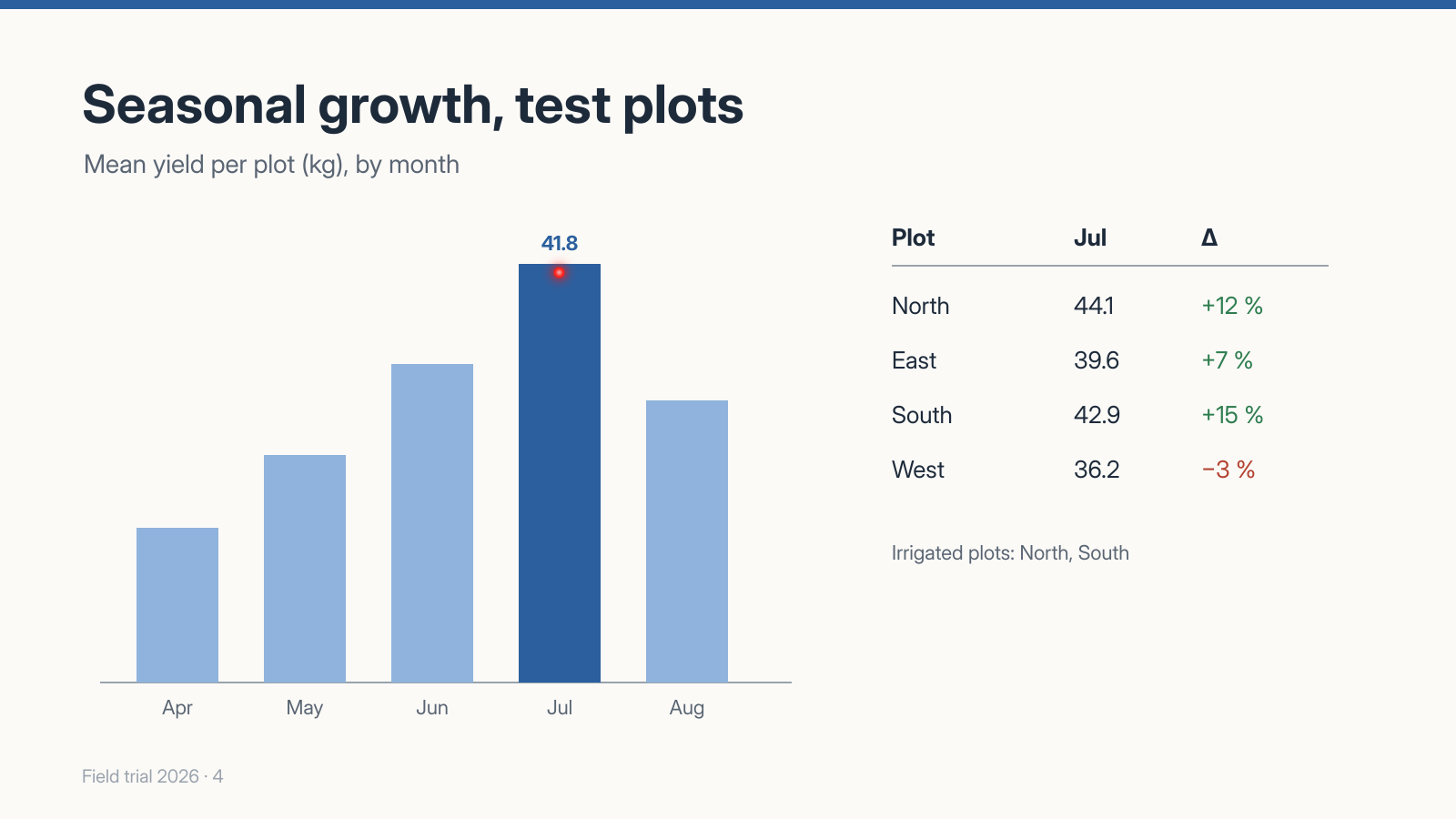
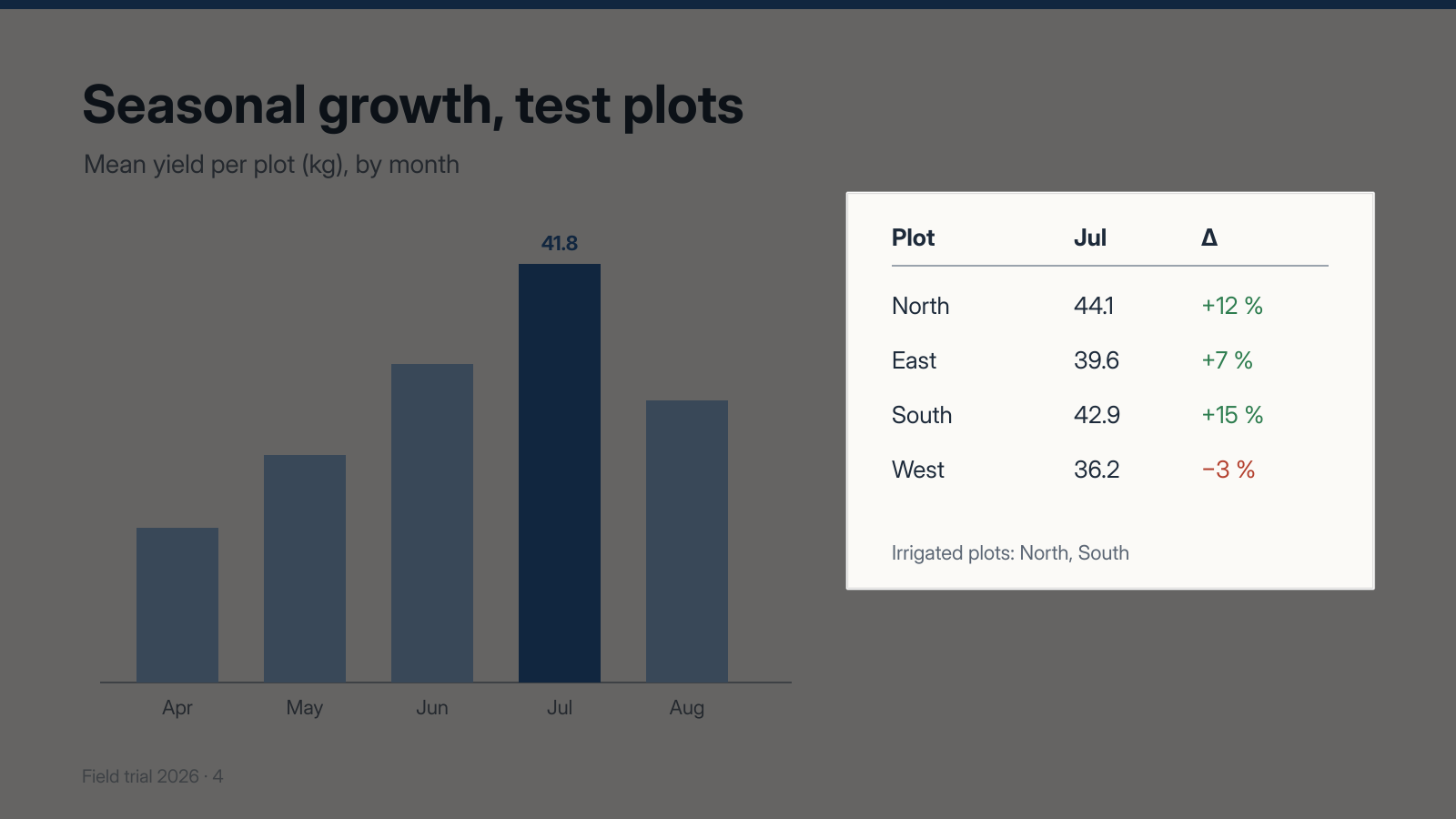
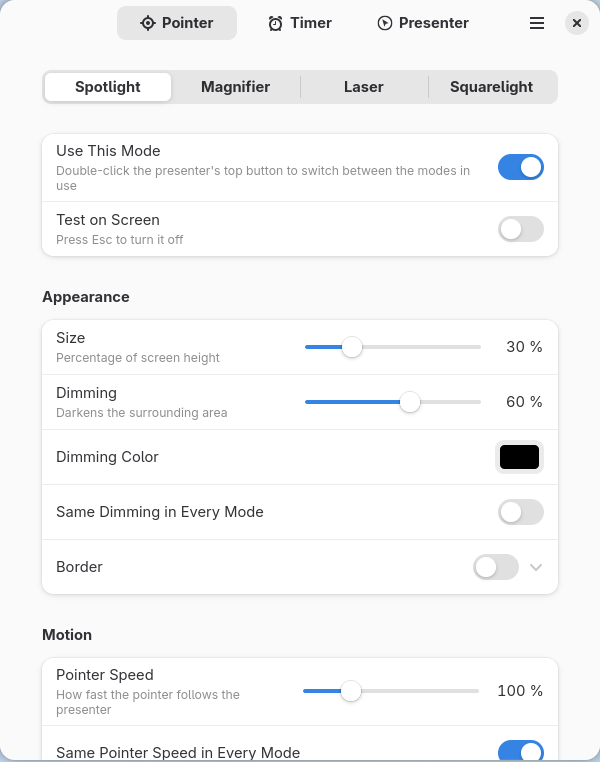
Hold the top button of your remote, and the screen dims around a spotlight that follows your hand. Let go, and it's gone. Double-click to switch to another way of pointing. Your audience sees what you point at, in the room and on the call: Pointeur is drawn by GNOME Shell itself, so it shows over full-screen slides, in screen shares and in recordings.
Four ways to point
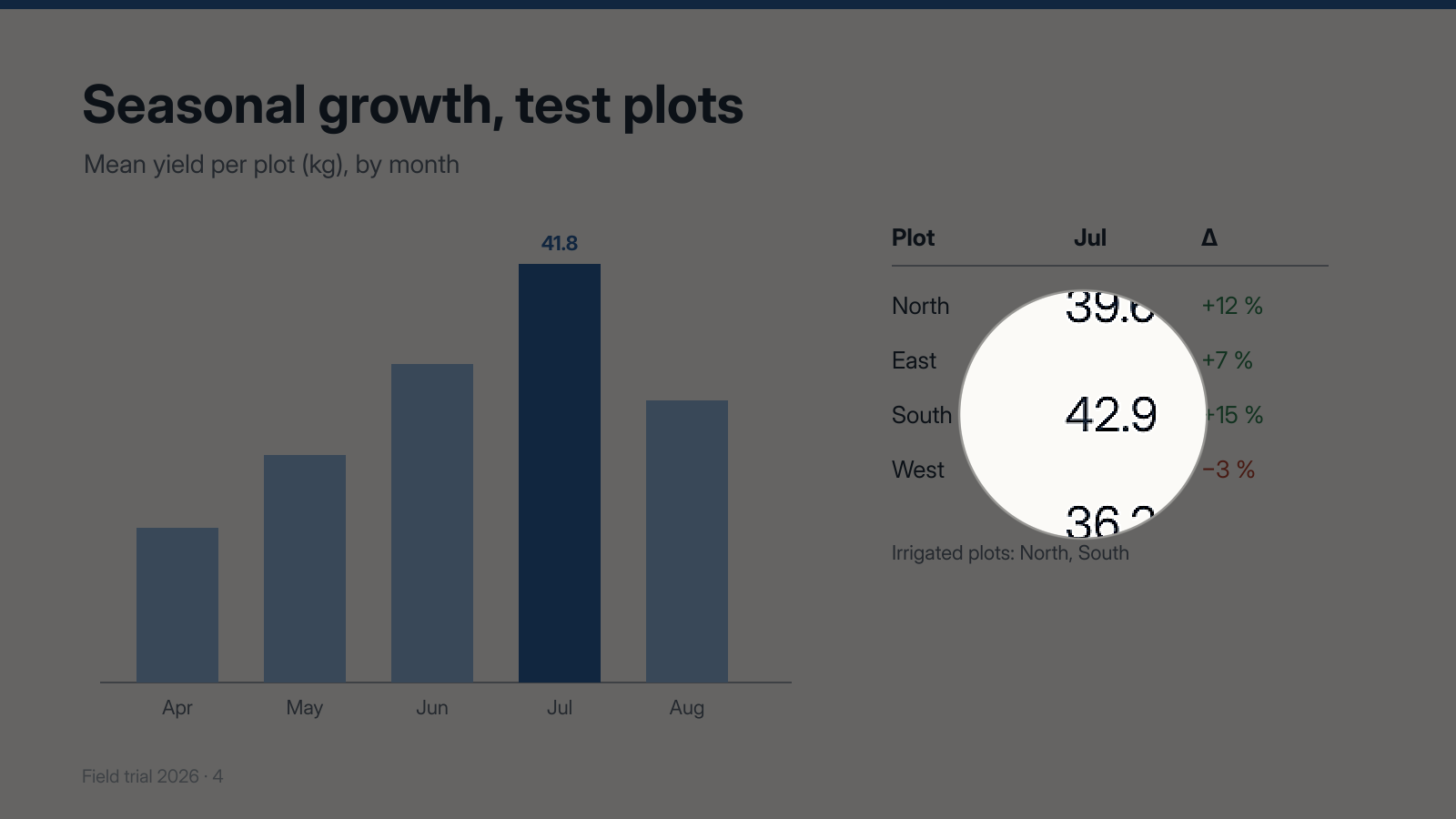
Made for giving talks
- Shows exactly while you hold the button, also when your hand is still. Next and Back keep working as always.
- Direct pointer motion: the pointer follows the remote with no acceleration lag, at the speed you set for each mode.
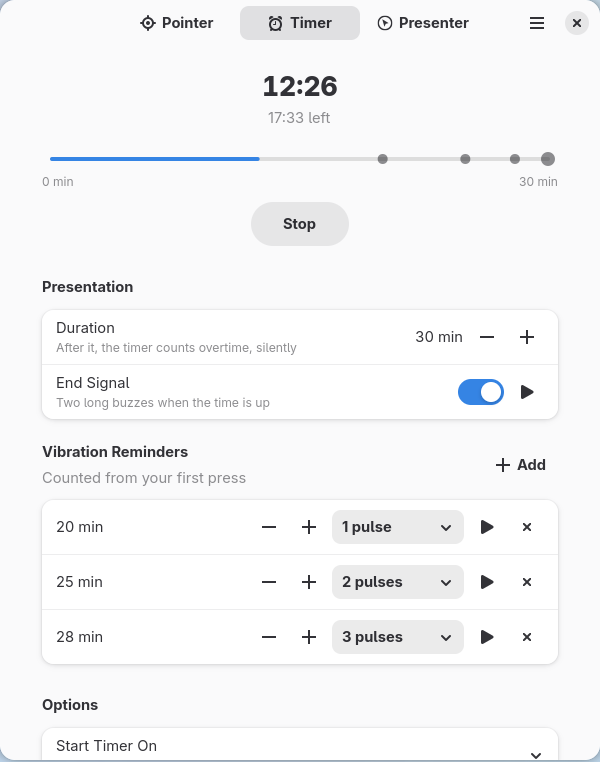
- A presentation timer that buzzes your remote at the times you choose, signals the end, and counts overtime. Nobody else notices.
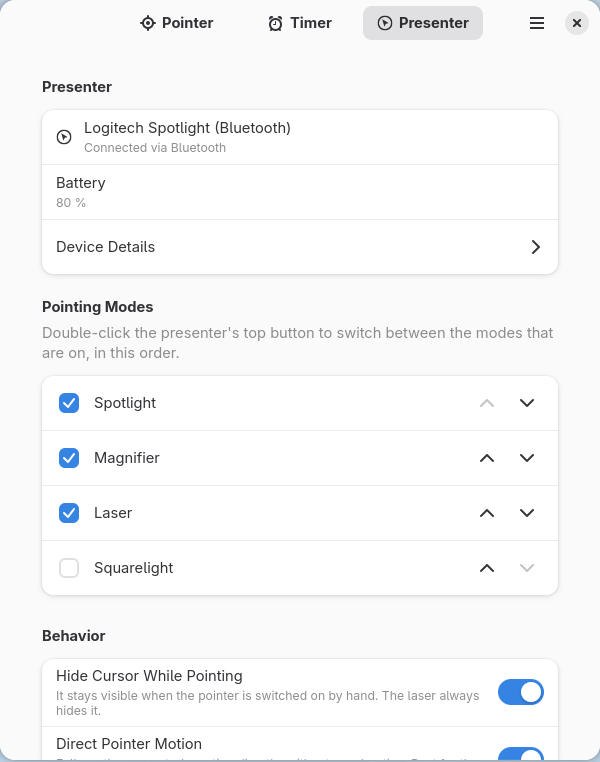
- Battery level in the tray, and a warning before it runs out.
- Works with a mouse too: switch the pointer on from the tray for a video call, and keep clicking.
- Feels like part of GNOME: a native preferences app, in English, French and Russian.
Install
You need GNOME (Wayland) and a Logitech Spotlight, over its USB receiver or Bluetooth. Download the package for your system from the latest release, then:
- Fedora 45
sudo dnf install ./pointeur-*.fc45.x86_64.rpm- Ubuntu 26.04 LTS
sudo apt install ./pointeur_*.ubuntu26.04_amd64.deb- Debian testing
sudo apt install ./pointeur_*.debian_amd64.deb
Log out and back in once. Then hold the top button of the remote. Pointeur appears in your apps as Pointeur for its preferences. On Fedora, turn on the AppIndicator extension (installed with Pointeur) in the Extensions app to see its tray icon.
Building from source is a make away; see the
README.